// Brand Kit

How to put Pranan in the world

Pranan is a digital twin for email. Every surface that carries our name should feel as considered as the product itself. Use these assets and rules so the brand reads the same wherever it shows up.

// 00 Essence

Pranan is a digital twin for email, not a chatbot or assistant.

It reads how you write. It knows who matters. It carries your presence into conversations when you can't be there. Every brand surface should reinforce these truths and reject the generic AI-tool framing.

01
Warm
Like a thoughtful operator, not a marketing department
02
Specific
Real numbers, real names, real moments. Specifics over abstractions
03
Considered
Every detail intentional. Nothing decorative for its own sake
04
Present
Showing up well, not just showing up fast. Presence over speed
05
Long-term
Built to last. Garamond DNA, not hype-cycle aesthetics
// 01 Logos

Logos

Use the dark version on light backgrounds. Use the light version on dark backgrounds. Always preserve the original gradient and proportions. Don't recolor, rotate, or alter the marks.


Pranan full logo, light variant for dark backgrounds
Full logo, light theme
For dark backgrounds · Instrument Serif italic wordmark
SVG
Pranan full logo, dark variant for light backgrounds
Full logo, dark theme
For light backgrounds · Instrument Serif italic wordmark
SVG
Pranan icon mark, gradient variant
Icon mark, gradient
Primary icon · for dark or any-color surfaces
SVG
Pranan icon mark, monochrome dark
Icon mark, monochrome dark
Single color · for light backgrounds
SVG
Pranan icon mark, monochrome white
Icon mark, monochrome white
Single color · for dark backgrounds
SVG
Pranan app icon
App icon
PNG · 512×512
Download
// 02 Icon in real contexts

The icon at work

How the Pranan icon appears in real platforms and surfaces. Use these as references when integrating the brand somewhere new. The gradient icon is the primary mark, monochrome variants for tighter contexts.

Pranan favicon Pranan — Your digital twin
pranan.ai
Chrome browser tab favicon.svg
Toolbar slot, transparent variant
Chrome extension toolbar logo-icon.svg · transparent variant
Pranan iOS app icon
iOS home screen logo-icon.svg
Pranan Android app icon
Android launcher logo-icon.svg
Pranan macOS app icon
macOS Dock logo-icon.svg
Pranan Slack workspace
Slack workspace icon logo-icon.svg
Pranan App Store icon
Pranan
Your digital twin
Get
App Store listing logo-icon.svg
Mac menu bar logo-icon-white.svg
Pranan favicon in address bar pranan.ai
Browser address bar logo-icon.svg
// 03 Clearance and sizing

Give the icon room to breathe

The icon needs clear space around it to read correctly. Use the diameter of the inner circle as your unit of measurement — the same dimension is the minimum padding on every side.

Pranan icon with clear space

The rules

1Clear space = 1× the inner circle's diameter on every side
2Minimum size: 24px for the icon mark, 96px for the full lockup
3Use the gradient version on dark or any-color surfaces
4Use monochrome dark on light, monochrome white on dark when the gradient won't render
5For Chrome toolbar and other browser-chrome slots, use the gradient mark on transparent background (no tile). Tile-on-icon surfaces (iOS home, Dock, App Store) keep the dark tile.
5Never crop, rotate, recolor, or stretch the mark
// 04 Don't do this

Common mistakes to avoid

If you find yourself doing any of the following, stop. Use the official assets from the Logos section above.

Pranan icon on a busy background, do not use
On busy backgrounds
Reduces contrast and legibility
Pranan icon on a low-contrast background, do not use
On brand-color backgrounds
Gradient gets lost in the same color family
Pranan icon recolored, do not use
Recolored or hue-shifted
The gradient is the brand, don't change it
Pranan icon rotated, do not use
Rotated or tilted
Always horizontal, always upright
Pranan icon stretched, do not use
Stretched or distorted
Maintain aspect ratio, always
Pranan icon too small, do not use
Below 24px (icon mark)
Concentric detail breaks down at small sizes
// 05 Colors

Colors

The Pranan palette is anchored in a near-black background with a signature lavender-to-violet gradient. Use the gradient sparingly for emphasis. Use the dark surface tones for everything else.

Brand gradient
#e0d4fc → #a78bfa → #6d28d9
Primary accent
Accent
#a78bfa
Links, interactive
Accent bright
#c4b5fd
Hover, highlight
Accent deep
#6d28d9
Active states
Brand bg
#09090b
Page background
Brand text
#fafafa
Primary text
Success
#34d399
Confirmation states
Danger
#ef4444
Errors, destructive
// 06 Typography

Typography

Three families. Each has a job. Don't mix them inside a single line. Don't substitute system fonts on production marketing surfaces.

Display
Instrument Serif
Marketing headlines, blog titles, hero copy. Italic variant for emphasis. Reserved for marketing surfaces.
Aa Bb Cc Pranan
The quick brown fox jumps over the lazy dog 0123456789
Body and UI
Inter
Body text, UI elements, app interface. Default for everything inside the product where the wordmark isn't being used.
Aa Bb Cc Pranan
The quick brown fox jumps over the lazy dog 0123456789
Wordmark (the official mark next to the icon)
Instrument Serif Italic
The Pranan wordmark is set in Instrument Serif italic. Warm, distinctive, intentional. Pairs with the layered icon in every lockup. Don't substitute Inter or any other sans for the wordmark.
Pranan
Instrument Serif Italic · the official wordmark
Mono
JetBrains Mono
Section labels, code, data tables, metadata, timestamps. The // section marker prefix uses this.
Aa Bb Cc Pranan
// THE QUICK BROWN FOX 01-23-456
// How they pair in the wild

Speed without presence is just noise

Most AI productivity tools optimize for time saved. Pranan optimizes for showing up. The difference is the relationship intelligence layer underneath every draft, every reply, every interaction. Drafts that sound like you, sent to people you actually know.

Display: Instrument Serif Italic 52px · Body: Inter 16px · Labels: JetBrains Mono 10px
// 07 CTA elements

Calls to action

Two button styles. One gradient primary, one ghost secondary. Both share the same radius, padding, and font. Use the primary for the main action on a surface. Use the ghost for the alternative path.

Primary CTA
Background: linear-gradient(135deg, #a78bfa 0%, #6d28d9 100%) · Padding: 10px 22px · Radius: 10px · Font: Inter 14px / 500
Ghost CTA
Border: 1px solid rgba(250,250,250,0.07) · Hover: border #a78bfa · Same padding/radius as primary
CTA blocks (in-page)

Try Pranan free

300 drafts a month. Voice fingerprint from your sent mail in under 5 minutes.

Background: linear-gradient with rgba(167,139,250,0.08) → rgba(109,40,217,0.06) · Border: 1px solid rgba(167,139,250,0.25) · Always pair primary + ghost. Never two primaries.
// Rules
  • Use one primary CTA per page-fold. Never compete two primaries against each other.
  • Default copy options: "Get started free", "Try Pranan", "Start now". Avoid "Sign up" or "Click here".
  • The primary gradient never gets recolored. Don't swap to solid purple, blue, or green.
  • Ghost CTA is the secondary path. If a page has only one button, it's the primary.
// 08 Photography

Photography style

Pranan is a software product. We don't lean on photography heavily. When we do, the rules below keep it consistent with the brand voice: warm, considered, never stocky.

Do

Real founders, real desks

If we show people, they're real founders, real operators, real workspaces. Documentary-style. Available light. Never staged.

Do

Dark, warm tones

Color grading leans warm. Deep blacks, soft purples, golden highlights. Image temperature should feel like late evening, not noon office.

Do

Negative space

Compositions breathe. Subject occupies less than half the frame. The space around them is part of the image.

Don't

No corporate stock

No diverse-team-pointing-at-laptop images. No handshake-in-front-of-window shots. If it could appear in a HubSpot blog post, it can't appear in ours.

Don't

No bright office lighting

Avoid white-balanced fluorescent overhead lighting. The brand lives at night.

Don't

No AI-generated faces

If we show a person's face, it's a real person who consented. Never Midjourney portraits, never composite headshots.

// Mood reference
Warm dark
Twilight purple
Late evening
Studio glow

When in doubt, the photograph should feel like it was taken at the same time of day Pratik writes email: late evening, lights low, considered.

// 09 Page and blog templates

Page and blog image templates

Standard formats for OG images, hero illustrations, and blog featured images. Each template uses the same gradient palette, layered icon, and typography rules as the rest of the brand. Download the SVGs and customize headline + subline.

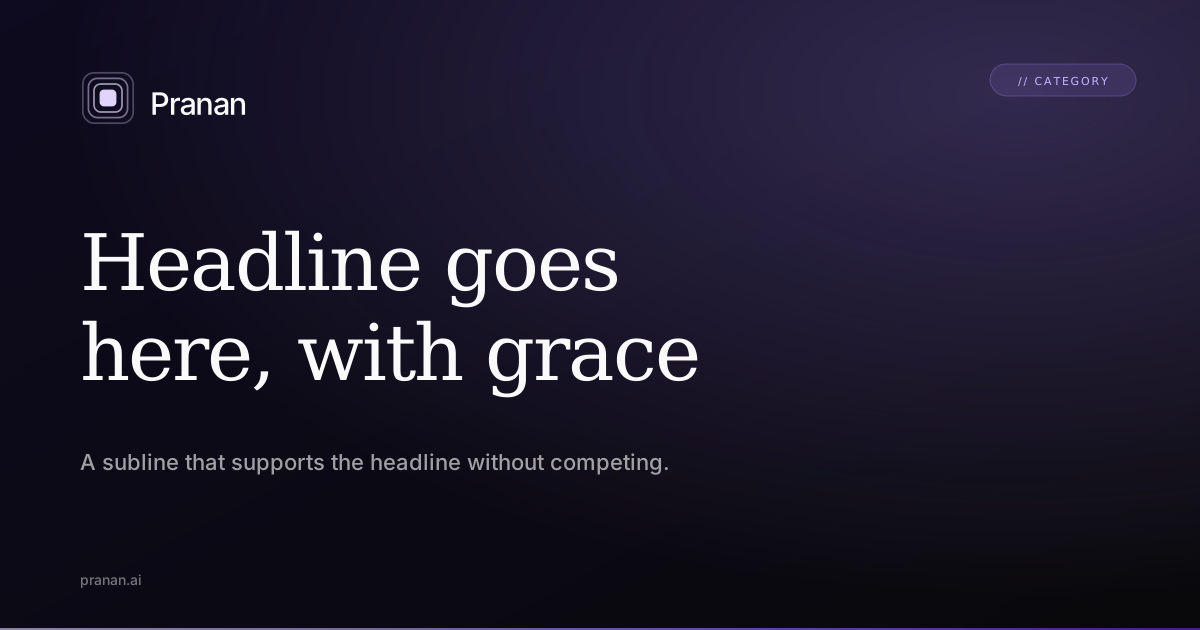
// CATEGORY Headline goes here, with grace A subline that supports the headline without competing. pranan.ai

OG image template

1200×630. Used for sharing pages on Twitter, LinkedIn, Slack, iMessage. Two-line headline in Instrument Serif, italic emphasis on second line, subline in Inter.

Download SVG

Hero illustration template

1200×630. Centered icon at 5x scale on dark background. Used for blog hero images, app store screenshots, partner co-branded assets.

Download SVG
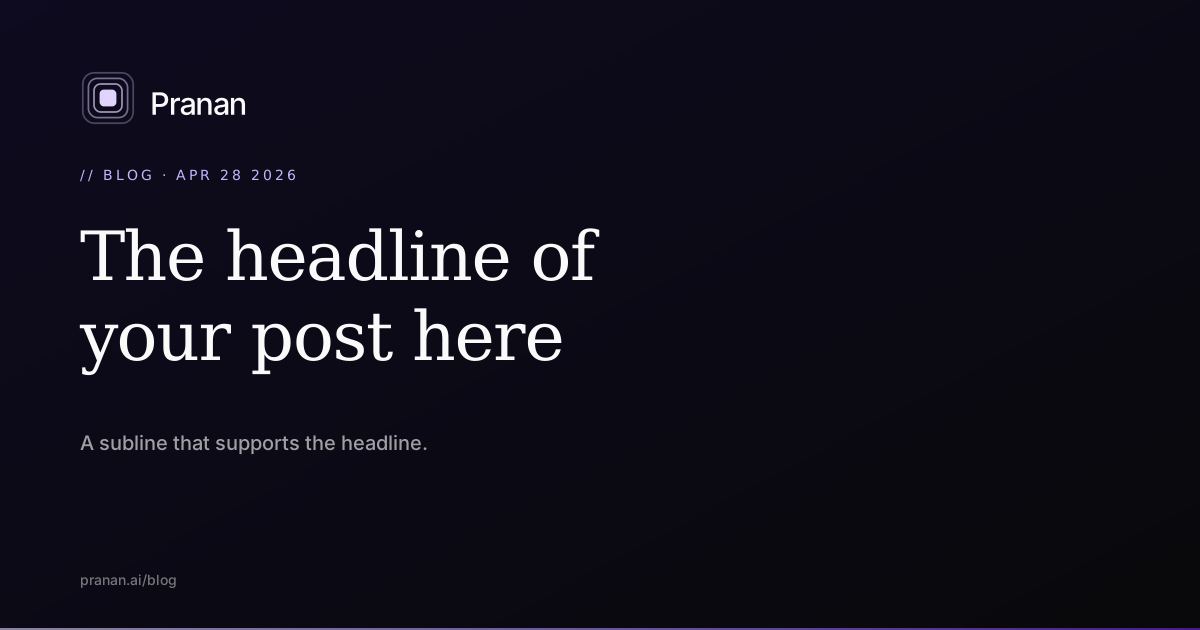
// BLOG · APR 28 2026 The 217-unread inbox is not a productivity problem. Reframe: it's a signal of where attention isn't scaling. pranan.ai/blog

Blog featured image

1200×630. Variation of the OG template with a category timestamp at top. Used as the blog post hero, also serves as the OG image for the post.

Download SVG
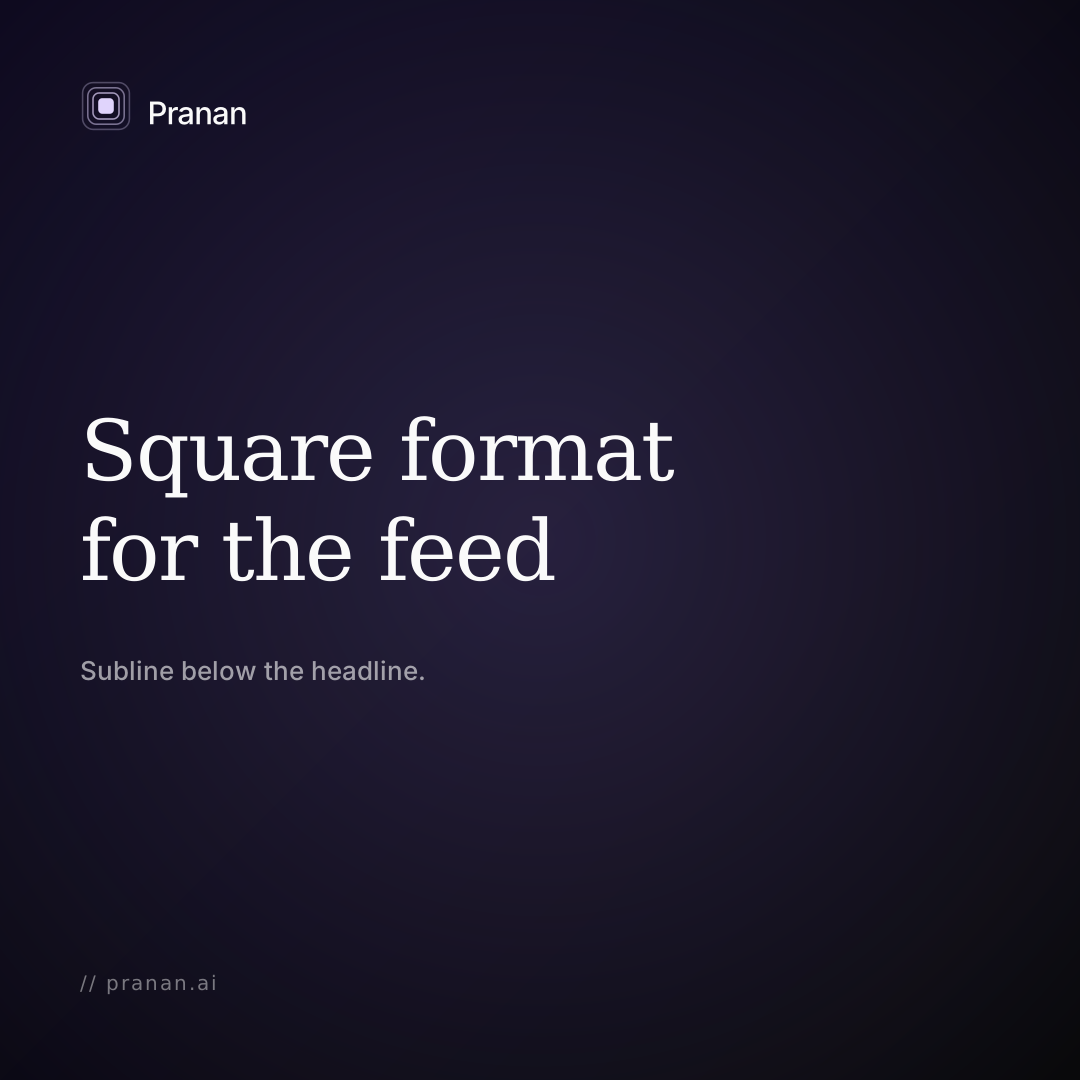
// 10 Social media templates

Social media templates

Three formats. LinkedIn announcements, X (Twitter) cards, Instagram squares. Same brand language, different aspect ratios. Headlines stay in Instrument Serif. Mark stays consistent.

// 11 Blog inline images

Inline images for blog posts

Three formats for inline use within blog posts. Section dividers, half-width supplements, and pull-quote cards. All match the brand voice without competing with the post itself.
Full-bleed blog inline

Full-bleed divider (1200×600)

Used between major sections of a long blog post. Carries the brand mark and a serif title without competing with surrounding body copy.

Download SVG
Half-width blog inline

Half-width supplement (600×400)

Used inline alongside body copy. The brand mark anchors the visual without taking over the paragraph context.

Download SVG
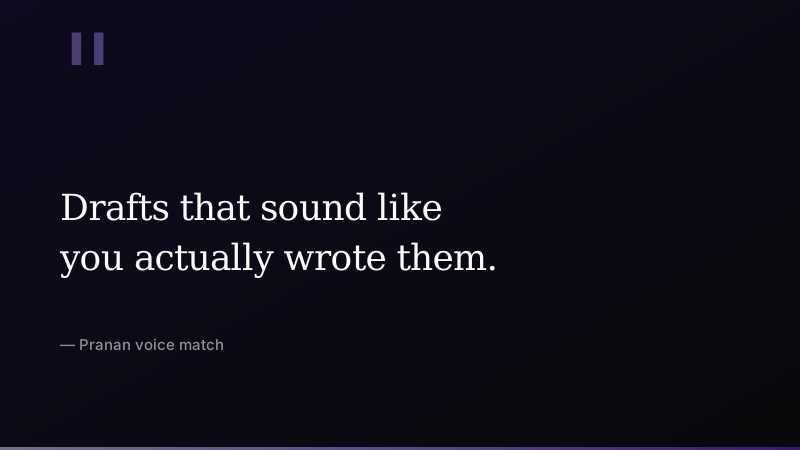
Pull quote card

Pull quote card (800×450)

Used to highlight a specific quote or callout from the post. Customize the quote text and attribution per use.

Download SVG
// 12 Email signatures

Email signatures

Three signature variants for the team. HTML-based for compatibility with Gmail, Outlook, Apple Mail. Drop into your email client signature settings as raw HTML.

Founder / CEO
Pratik Thakker
Founder & CEO, Pranan
Built by INSIDEA
Download HTML
Team member
[Your Name]
[Your Role], Pranan
Your digital twin for email
Download HTML
Sales / BD
[Your Name]
[Your Role] at Pranan
Book a demo: pranan.ai/demo
Drafts in your voice.
Download HTML
// 13 Slide deck template

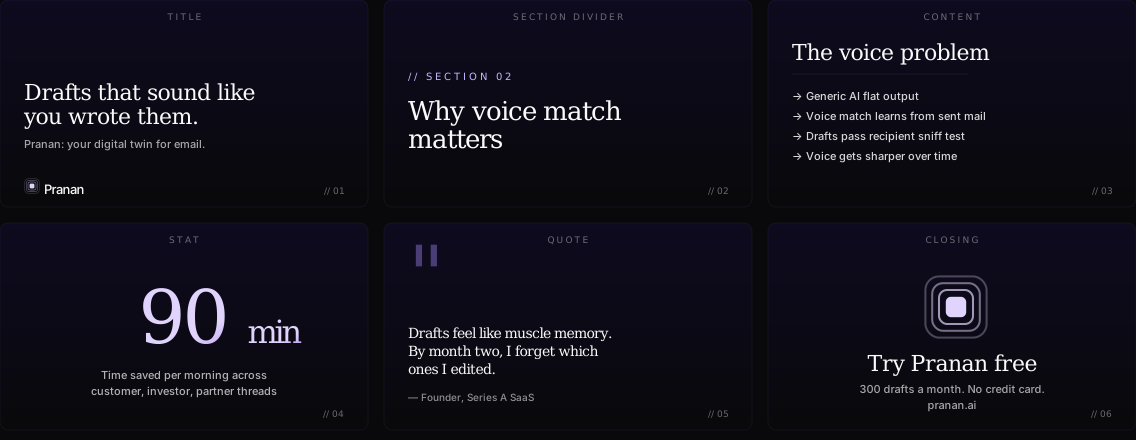
Slide deck system

Six slide types: title, section divider, content, stat, quote, closing. Designed for 16:9. The HTML reference shows the visual specs; recreate in Keynote, Google Slides, or PowerPoint following the type and color rules.
Pranan slide deck template — six slide types
// Slide rules
  • Title slide: Instrument Serif 64px italic emphasis on key word
  • Stats: Instrument Serif 180px gradient fill, body 24px Inter
  • Content slides: max 4 bullets, each starts with arrow indicator
  • Closing slide: centered icon at 96px, headline + URL only
  • Footer on every slide: page number + pranan.ai in mono 12px
// 14 Screenshot framing

Product screenshot frames

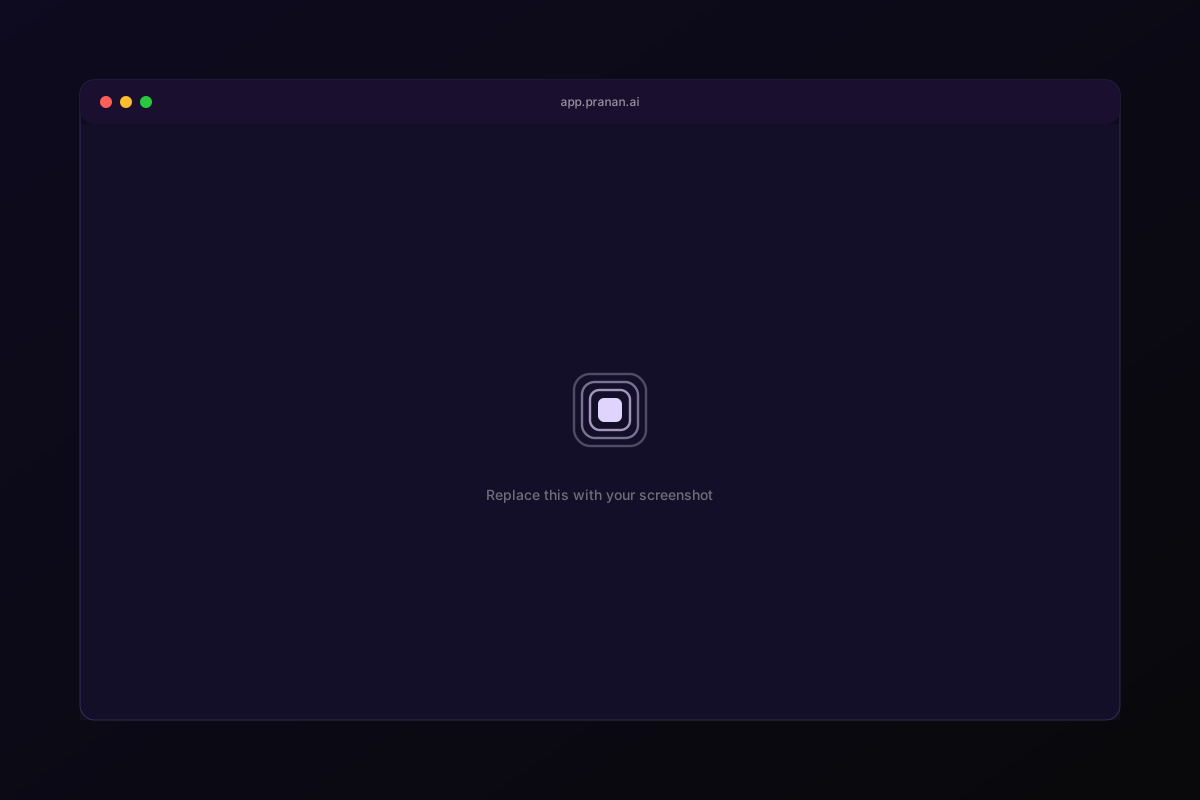
When showing the Pranan product in marketing materials, frame screenshots inside this Mac-style chrome. Keeps every product shot consistent across blog posts, social cards, and partner content.
Mac screenshot frame

macOS browser frame (1200×800)

Replace the inner placeholder with your product screenshot. Window chrome includes traffic lights, URL bar, and subtle border. Drop a 1040×596 screenshot into the inner safe area.

Download SVG
// 15 Avatars and favicons

Profile pictures and favicons

For LinkedIn, Twitter, GitHub, and any other surface that needs a square Pranan mark. Three background colorways. All 400×400 base size, scaled cleanly to any avatar dimension.


Pranan avatar dark

Dark

#09090b background. Default for most contexts.

Download
Pranan avatar purple

Purple

#1a0a2a background. Slight warmth. Use when dark feels too austere.

Download
Pranan avatar twilight

Twilight

#0e0a1f background. The canonical brand twilight. Best on platforms with dark UI.

Download
// Favicon set
favicon SVG favicon.svg Download
Apple touch icon apple-touch-icon Download
Android 192 icon-192.png Download
Android 512 icon-512.png Download
Safari pinned safari-pinned.svg Download
// 16 Loaders and patterns

Loading states and decorative patterns

Branded loading state for app and marketing surfaces. Three pattern backgrounds derived from the icon's concentric square motif. Use sparingly for hero backgrounds and slide decoration.

Pranan loader

Loader

Animated SVG with the outer ring holding steady while the inner circle pulses. Drop in any spot that needs a loading state.

Download SVG
Dot grid
Glow radial
// 17 Empty states

Empty state illustrations

For app surfaces that lack content. Brand-consistent placeholder with the icon centered, copy that matches Pranan's voice (warm, direct, no apology).


Empty inbox

Empty inbox

For inbox-zero state. Voice: "Pranan handled it" (not "Nothing here").

Download
No results

No search results

For empty query state. Voice: helpful suggestion, not apology.

Download
// 18 Voice in practice

Voice in practice

Brand voice is easier to feel than describe. Below are real before-and-after rewrites showing what Pranan voice does to typical operator email.

Customer escalation reply
Before

Hi Sarah, We sincerely apologize for the inconvenience caused. Our team is leveraging best-in-class solutions to address your concerns. We will revert back at the earliest. Please bear with us.

After

Sarah, you're right. The migration broke a workflow we should've tested. I'm on it tonight. Update by tomorrow morning, and a fix this week.

Investor update intro
Before

I am pleased to share that Pranan has experienced significant momentum this past month. We are excited about the trajectory and look forward to leveraging our learnings to drive transformative outcomes.

After

Two things from April. We hit 1,200 active users, up from 700 last month. And the voice-match accuracy crossed the threshold where founders stop editing drafts before sending. The first matters less than the second.

Internal Slack post
Before

Hey team, just a quick FYI that we're going to be making some exciting changes to the onboarding flow. More details to come. Thanks for your patience and continued hard work!

After

Onboarding flow is changing on Friday. Three steps becomes one, voice fingerprint kicks in faster. If your work depends on the old flow, ping me by Wednesday. Otherwise, you'll see the new one Friday morning.

// What changes
  • Specifics replace adjectives. "1,200 active users" beats "significant momentum"
  • First-person owns the action. "I'm on it" beats "Our team is leveraging"
  • Direct beats hedged. "You're right" beats "We sincerely apologize"
  • One sentence, one idea. Avoid stacking three points into a single sentence
  • Forbidden phrases: leverage (verb), revert back, transformative, robust, harness, delve
// 19 Press kit and partner lockup

Press kit and co-branding

For journalists, partners, and integrations. Boilerplate copy at three lengths, executive bios, partner lockup spacing rules.

Boilerplate (short, 1 line)

Pranan is the AI email twin that drafts in your voice. Built by INSIDEA.

Boilerplate (medium, 1 paragraph)

Pranan is the AI email twin that learns from your sent mail and drafts replies in your tone. Used by founders, sales leaders, and operators across 9 industries to save 90 minutes per morning. Built by INSIDEA, a Diamond HubSpot Partner. Free forever plan, $25/month Pro.

Boilerplate (long, 3 paragraphs)

Pranan is the AI email twin that learns from your sent mail and drafts replies in your tone. Unlike generic AI assistants that produce flat, recognizable AI output, Pranan analyzes your past correspondence to build a voice fingerprint—sentence rhythm, vocabulary, signoffs, per-recipient tone—and uses that to draft email that recipients can't tell wasn't written by hand.

The product is used by founders, sales leaders, customer success teams, agency CEOs, and operators across nine industries. Most users report saving 60-90 minutes a day on email triage and drafting. The free forever tier handles 300 drafts per month; Pro at $25/month removes the cap.

Pranan is built by INSIDEA, a Diamond HubSpot Partner agency serving 1,500+ businesses globally across HubSpot implementation, digital marketing, and AI services. Founded 2026 by Pratik Thakker.

// Co-branding rules
  • When Pranan logo appears next to a partner logo (HubSpot, Slack, Gmail), use 32px clearance between marks
  • Both marks must be the same height. Don't oversize either
  • Use the gradient Pranan mark unless the surface is monochrome (then use the dark or white variant from Logos section)
  • Press contact: press@pranan.ai
// 20 Iconography and motion

Iconography and motion

Standards for product UI icons and brand motion. Lucide-react is our default icon library. Brand motion uses a specific easing curve for consistency across product and marketing.

Iconography

Pranan UI icons follow Lucide-react defaults: 1.5px stroke, 24×24 viewBox, rounded line caps. Don't mix Lucide with other icon libraries. For custom icons (rare), match Lucide's stroke and corner radius rules.

Stroke width1.5px
Viewbox24×24
Linecapround
Librarylucide-react

Brand motion

One easing curve for everything. cubic-bezier(0.16, 1, 0.3, 1) — sometimes called "ease-out-quint." Snappy entrance, gentle settle. Used in product UI, hero animations, hover states.

Default duration200ms
Hover150ms
Page transition700ms
Easingcubic-bezier(0.16, 1, 0.3, 1)
// 21 UTM and tracking conventions

UTM tracking conventions

When sharing Pranan links from marketing campaigns, use this UTM pattern. Keeps analytics clean across all channels and prevents source naming drift.

utm_source linkedin / twitter / email / podcast / partner-{name}
utm_medium organic / paid / referral / sponsorship
utm_campaign {yyyy-mm}-{campaign-name} (e.g. 2026-04-launch-week)
utm_content {specific-asset} (e.g. footer-cta, hero-banner)
// Example
https://pranan.ai/?utm_source=linkedin&utm_medium=organic&utm_campaign=2026-04-launch-week&utm_content=hero-share
// 22 Name

The name

Pranan is a Sanskrit word. It's also the name of the founder's son. Both layers matter to the meaning.

"Prah-nun"
Pranan means life force in Sanskrit. The breath, the animating energy that makes something alive.

We chose the name because it captures what we're building: an AI that doesn't just process your communication, it carries your presence into every conversation, even when you're not there. The name is also personal. The founder's son, born April 13, 2025, is named Pranan.

The mark is a circle held inside a circle. The breath inside the form.

// 23 Voice and tone

Voice and tone

Pranan sounds like a thoughtful operator, not a marketing department. Specific over generic. Warm over corporate. Direct over verbose.

Do

  • Use specific examples and real numbers when you can
  • Lead with insight, not jargon
  • Address the reader as a peer, not a target
  • Spell INSIDEA in full caps, every time
  • Use Poppins 500 for the wordmark, Instrument Serif for marketing headlines
  • Treat presence as the value, not speed
  • Honor the relationship intelligence framing on every surface

Don't

  • Don't use em dashes anywhere in body content
  • Don't use "delve," "leverage" as a verb, "robust," "transformative," or other AI-speak
  • Don't open with "In today's [adjective] world"
  • Don't write "Insidia" or "Insidea" — it's INSIDEA
  • Don't recolor, rotate, or distort the logo
  • Don't put the logo on busy or low-contrast backgrounds
  • Don't pair Pranan with a chatbot or assistant frame
// 13 Attribution

Built by INSIDEA

When mentioning Pranan in editorial or partner materials, attribute the company correctly.

Preferred phrasing

  • Pranan, your digital twin for email
  • Pranan, built by INSIDEA
  • Pranan reads your sent mail to learn your voice
  • Founded by Pratik Thakker, Founder and CEO of INSIDEA
  • INSIDEA is the world's top-rated Diamond HubSpot Partner

Avoid

  • Don't write "Pranan AI" — the product is just Pranan
  • Don't call it a chatbot, assistant, or copilot
  • Don't shorten INSIDEA to "Insidea" or "Insidia"
  • Don't refer to the founder by first name only in formal contexts
  • Don't claim metrics or features not listed on pranan.ai
// 14 Downloads

All assets

Direct download links for every brand asset. For anything missing, contact us.

Logo PNG, light theme (dark bg): 300px 600px 1200px
Logo PNG, dark theme (light bg): 300px 600px 1200px
Icon PNG, gradient: 256px 512px 1024px
Icon PNG, monochrome dark: 256px 512px 1024px
Icon PNG, monochrome white: 256px 512px 1024px

Need something else? Email hello@pranan.ai with what you need and the context.